


Video in your Classroom
- Abby Cameron
- Mar 11, 2018
- 2 min read
A valuable tool for learning is the use of video. The use of video allows students to take ownership of their learning. They are able to go back and view the content being taught whenever they need to. They are able to control the pace at which they learn by using the play and pause features. They can go as slow as they need to and take notes for better understanding. They are able to focus on their screen and hear the instruction like it is being given 1:1 instead of 1:30. Video allows all students to to be engaged in what they are doing.
Here are some ways that I use video in my own classroom.
Getting Started
My best advice for teachers looking to get started in using video in their classroom is to try the FREE Google extension Screencastify Lite. It is very user friendly and both teachers and students will be able to pick it up quickly. Each computer will need to download the extension. For my classroom my students each use their own student account (Google) and download the extension. This is important because the videos are saved to their own Google Drive. This makes sharing videos a breeze.
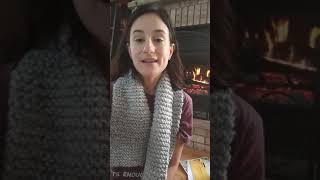
As you saw in my video you can record yourself or your desktop. The desktop is a great way to show students how to complete a specific task online, record lessons for math, and writing demos. I record videos of myself for instructions, sub plans (Yes, and I promise it's amazing!), and student responses.
With your FREE account you get 50 free videos a month and limited editing capabilities. We have been using this all year and no one has used all 50 free videos. This is a great product to try if you are wanting to start to shoot videos for your classroom.
Another Great Resource
Have you heard of PowToon? Me neither until I took Multimedia Tools in Education. PowToon is a great website that allows both teachers and students to create cartoon like presentations. They have tons of templates and it's easy to use. Check out this great book trailer I created to show my class. My students then took this idea and did their own book trailers to share in our library for students looking for their next great book to read.
Thanks for reading my post. Don't forget to follow me on Twitter @AbbyCameron131
Comments